Best 10 Automated Expense Categorization Tools for Businesses



Startups and global companies process hundreds or thousands of financial transactions every month. Payments flow through bank accounts, corporate cards, payment processors, and employee reimbursements. Manually categorizing these expenses across multiple systems slows down bookkeeping and increases the risk of accounting errors.
Automated expense categorization solves this challenge by using AI and transaction intelligence to assign the correct accounting category to each payment. Instead of reviewing every transaction individually, finance teams can rely on software that reads transaction details and applies consistent accounting rules automatically.
For founders and finance teams, a common question arises: what tools have automated expense categorization, and which platforms help maintain clean financial records with minimal manual work? This article answers that question by explaining how automated categorization works and reviewing tools that help startups streamline bookkeeping and financial reporting.
What is automated expense categorization? How Does It Work?
Automated expense categorization is the process where accounting software assigns the correct ledger category to a transaction without manual input. Instead of reviewing every bank or card transaction, finance systems analyze transaction details and classify them into categories such as software subscriptions, travel, marketing spend, or payroll-related expenses.
Modern bookkeeping platforms use transaction intelligence to read merchant names, payment descriptions, timestamps, and historical accounting entries. When similar transactions appear again, the system predicts the correct category and applies it automatically. Over time, the software improves its accuracy as it learns from past bookkeeping decisions and reconciliation outcomes.
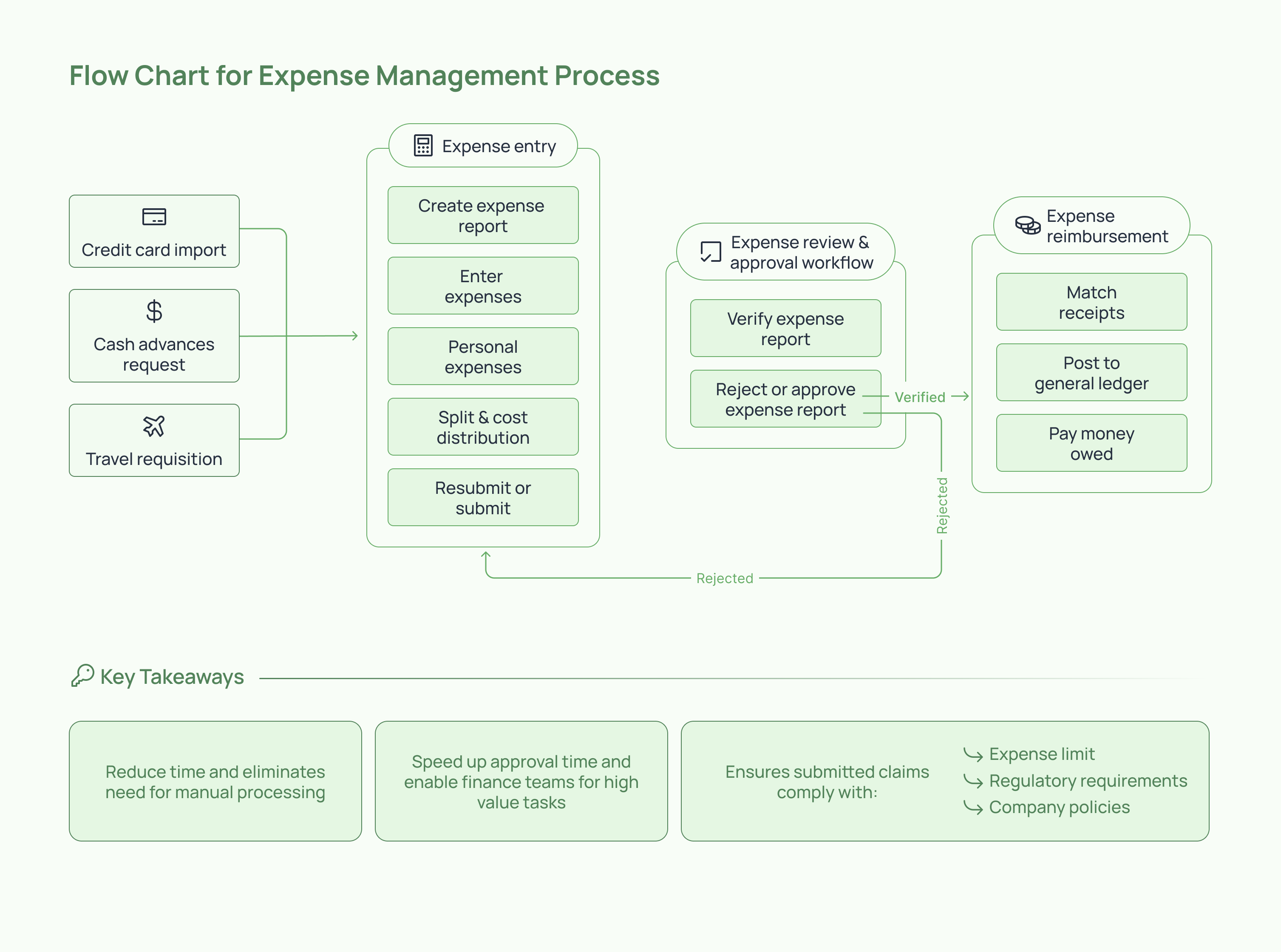
AI bookkeeping systems analyze transaction patterns and accounting history to determine the most accurate expense category.
Key mechanisms include the following:
- Merchant recognition from transaction descriptions to identify vendors such as SaaS tools, airlines, or office suppliers.
- Learning from previous bookkeeping decisions so repeated transactions follow consistent categorization rules.
- Predictive category suggestions based on patterns across similar transactions and vendors.
- Automatic transaction coding during bank reconciliation, reducing manual adjustments by finance teams.
Top 10 Automated Expense Categorization Tools for Businesses
Automated expense categorization appears in two types of financial software. The first kind focuses on spend management, helping companies control employee spending through cards, approvals, and policy checks. The other one focuses on accounting and bookkeeping, where transactions from bank feeds and payment systems are categorized automatically for financial reporting.
The right solution depends on the size of your company, the number of financial systems involved, and how complex your reporting needs are. Startups may prioritize automation and bookkeeping accuracy, while larger companies may need policy enforcement and spending controls across teams.
Below is a comparison of widely used tools that automate expense categorization and transaction coding.
To build this list, we reviewed the most popular accounting platforms, spend management systems, and expense automation tools used by startups and finance teams. The tools included here were selected based on their ability to automatically categorize transactions, integrate with banking and accounting systems, and reduce manual bookkeeping work.
We also considered how well these platforms support growing companies through features such as transaction intelligence, real-time expense tracking, and structured financial reporting.
Now, let’s cover each of these tools in detail:
1. Inkle
.png)
Inkle helps startups automate bookkeeping while maintaining clean and compliance-ready financial records. The platform connects bank feeds, payment systems, and financial accounts; then automatically categorizes transactions into the correct accounting categories. This reduces manual bookkeeping effort and keeps financial data organized for reporting, tax filings, and investor updates.
- Automated transaction categorization from bank feeds and financial platforms
- AI-assisted bookkeeping workflows that learn from historical accounting decisions
- Structured ledgers that remain ready for reporting, audits, and tax preparation
- Designed to support companies operating across US and cross-border financial systems
Best for
Inkle is best suited for startups and cross-border companies that need automated bookkeeping along with structured financial reporting. It works well for teams managing financial activity across multiple entities, currencies, and tax environments, where accurate categorization and organized accounting records are essential.
Use cases
Startups use Inkle to categorize recurring SaaS subscriptions, vendor payments, and operational expenses automatically. It also helps founders maintain organized books for investor reporting, prepare accounting records for tax filings, and manage financial data for structures such as a US parent company with an India subsidiary.
2. Ramp

Ramp is a corporate card and spend management platform that automates expense categorization directly from company card transactions. When employees make purchases using Ramp cards, the platform captures the transaction details in real time and assigns an expense category automatically. This reduces manual bookkeeping work and gives finance teams immediate visibility into company spending.
- Corporate cards with built-in spend tracking
- Automatic categorization of card transactions as they occur
- Real-time spending visibility across teams and departments
- Automated syncing of categorized transactions with accounting systems
Best for
Ramp works well for startups and technology companies that rely heavily on corporate cards for operational spending. Finance teams that want real-time visibility into expenses and automatic categorization of card transactions often use Ramp to simplify bookkeeping and spending oversight.
Use cases
Companies use Ramp to track employee spending on software subscriptions, marketing tools, travel bookings, and operational purchases. Finance teams also use it to monitor department-level spending in real time, categorize corporate card transactions automatically, and sync expenses with accounting systems for faster monthly closing.
3. Expensify
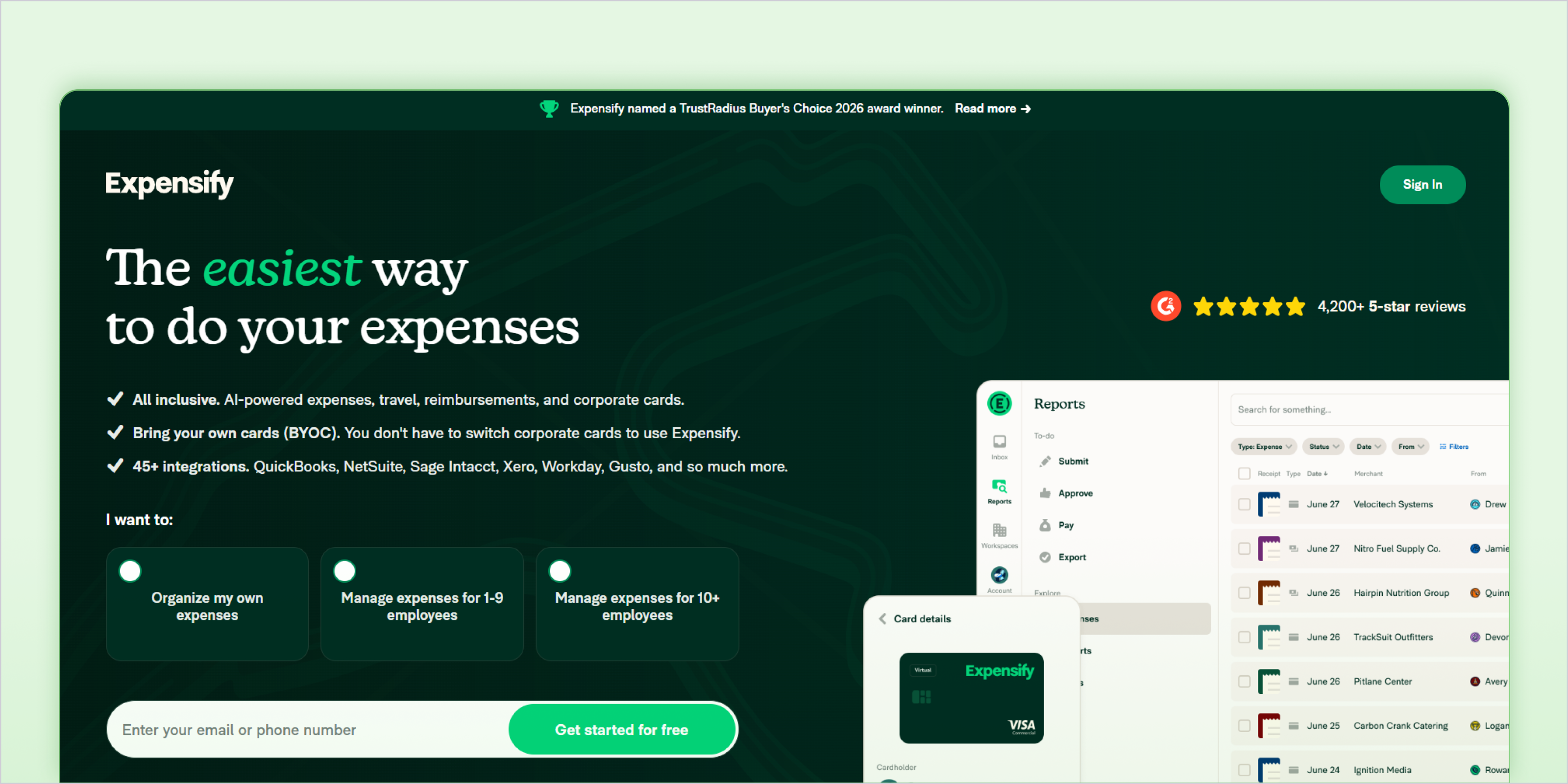
Expensify is an expense management platform that automates expense reporting and transaction categorization. The system captures expense data from receipts, card transactions, and reimbursements, then categorizes each entry automatically for accounting and reporting. This helps finance teams process expense reports faster while keeping financial records organized.
- Smart receipt scanning that extracts expense details automatically
- Automatic categorization of transactions and expense reports
- Built-in workflows for employee reimbursements
- Integration with accounting systems for synchronized bookkeeping
Best for
Expensify works well for companies that manage frequent employee reimbursements and travel-related expenses. Finance teams that process large volumes of receipts and expense reports use the platform to reduce manual data entry and maintain organized expense records.
Use cases
Companies use Expensify to categorize travel expenses, employee reimbursements, and business purchases submitted through expense reports. It also helps finance teams process receipts quickly, maintain documentation for audits, and sync categorized expenses with accounting software for accurate financial reporting.
4. QuickBooks Online

QuickBooks Online is a cloud accounting platform that automatically categorizes transactions imported from bank feeds and payment systems. The software analyzes transaction descriptions, merchant names, and past accounting decisions to suggest the correct expense category. Over time, it learns from repeated bookkeeping actions and applies consistent categorization rules to recurring transactions.
- Automated bank feed imports from connected accounts
- Rule-based transaction categorization for recurring expenses
- Suggested categories based on past bookkeeping activity
- Direct integration with invoicing, reconciliation, and financial reporting
Best for
QuickBooks Online works well for small businesses and finance teams that want accounting software with built-in automation. It is commonly used by companies that need automated bank transaction categorization while managing bookkeeping, invoicing, and financial reporting in the same system.
Use cases
Businesses use QuickBooks Online to categorize bank transactions such as software subscriptions, vendor payments, utilities, and marketing expenses. Finance teams also rely on it to automate recurring categorization rules, simplify bank reconciliation, and maintain consistent financial records for reporting and tax preparation.
5. Zoho Expense
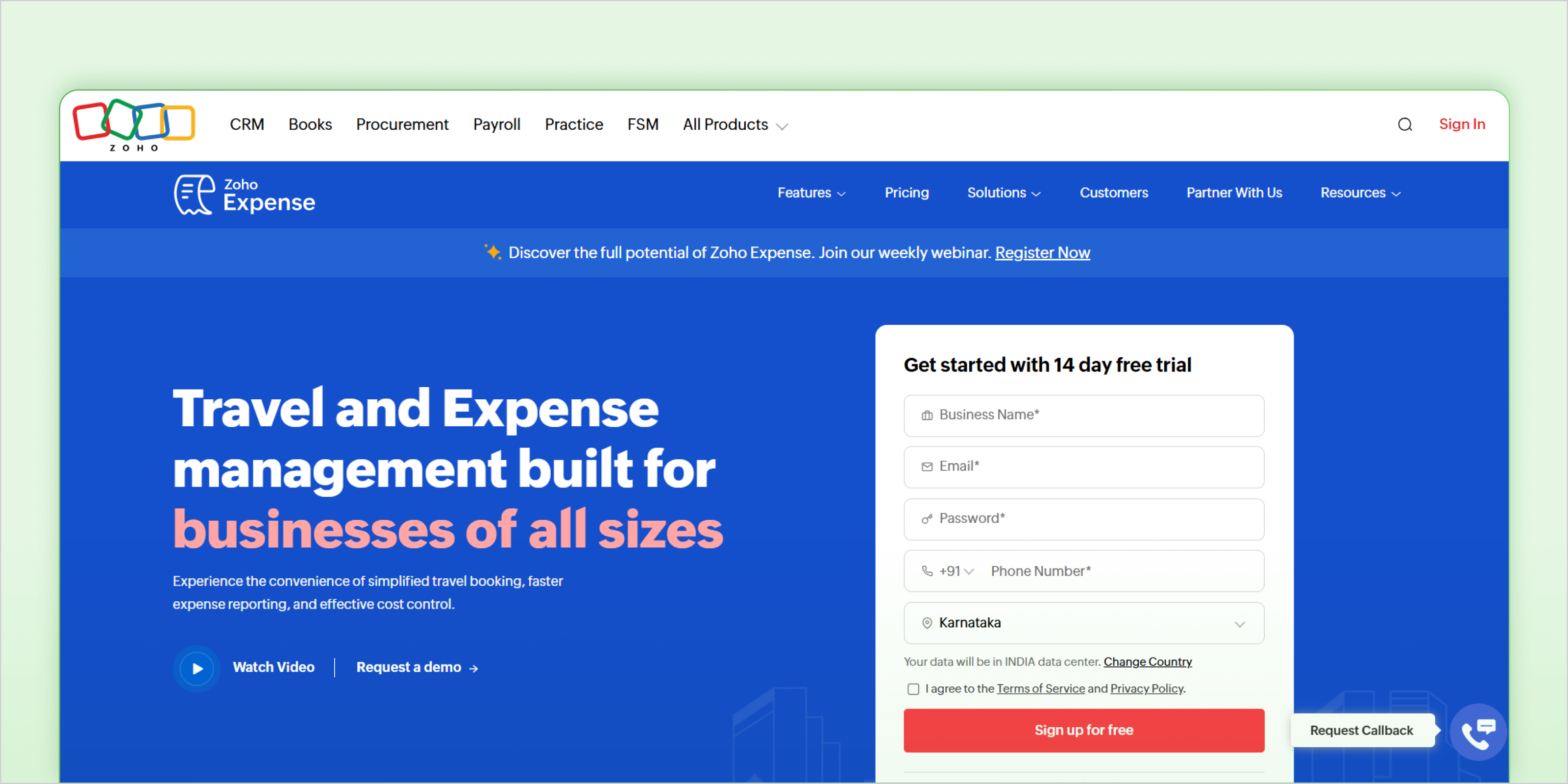
Zoho Expense is an expense management platform that automates expense categorization across employee spending, reimbursements, and corporate transactions. The system captures expense data from receipts, card payments, and bank feeds, then categorizes transactions automatically to maintain organized financial records.
- Automated categorization of employee expenses and card transactions
- Receipt scanning and expense data extraction
- Expense report automation with approval workflows
- Integrations with accounting systems such as Zoho Books and other finance tools
Best for
Zoho Expense works well for companies with distributed teams that manage employee expenses across multiple locations. Finance teams that require automated expense reporting along with structured categorization often use Zoho Expense to simplify financial workflows.
Use cases
Companies use Zoho Expense to categorize travel expenses, employee reimbursements, and operational purchases submitted through expense reports. Finance teams also rely on the platform to manage approvals, organize receipts for documentation, and sync categorized expenses with accounting systems for accurate bookkeeping.
6. Brex
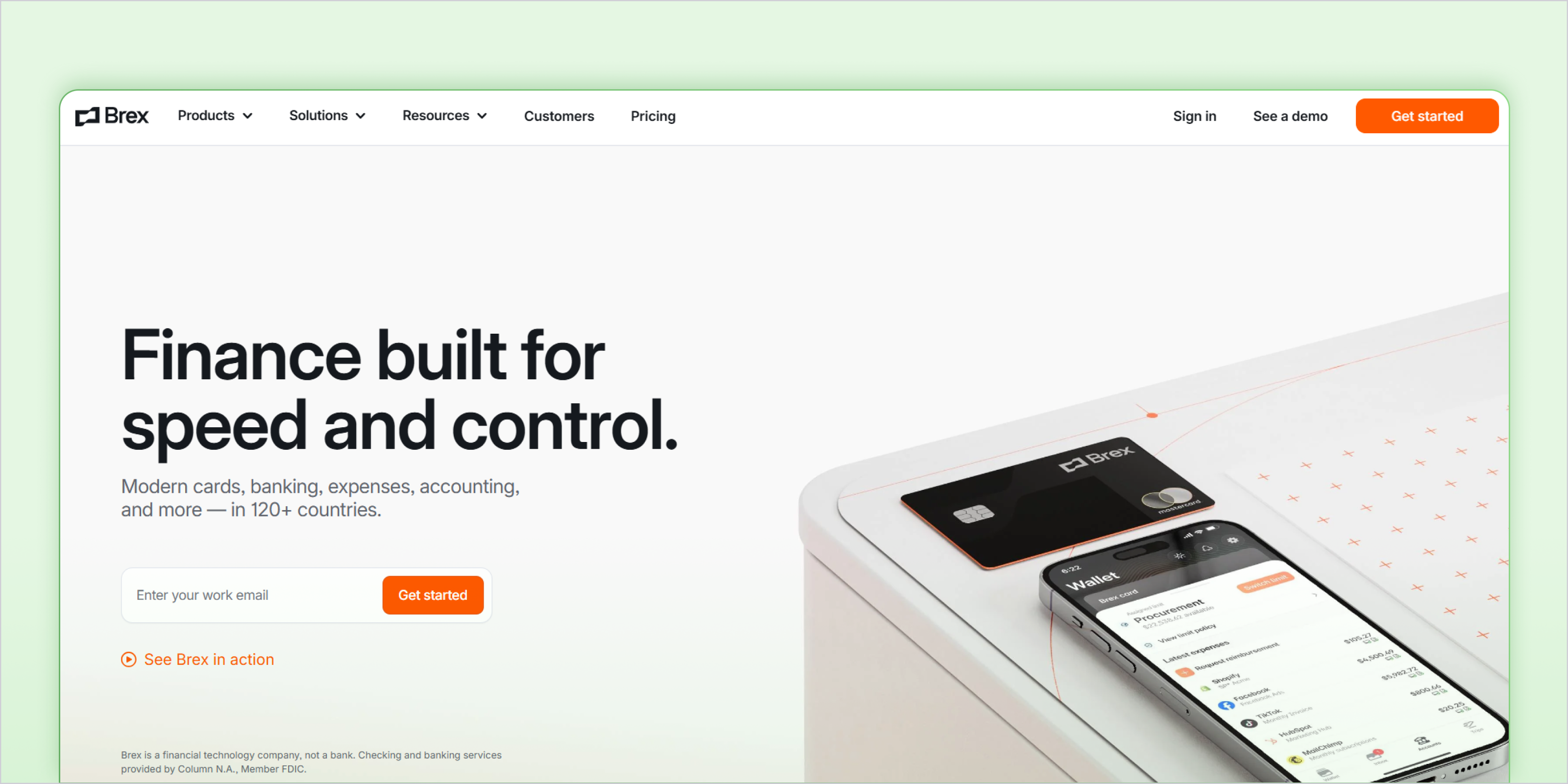
Brex is a corporate card and finance automation platform that helps companies track and categorize business spending automatically. Every transaction made through Brex cards is captured in real time and assigned an expense category based on merchant data and transaction history. This reduces manual bookkeeping work and gives finance teams a clear view of company spending.
- Corporate cards with automatic expense categorization
- Real-time transaction tracking and spending visibility
- Built-in receipt collection and expense documentation
- Integrations with accounting systems for automated syncing
Best for
Brex works well for startups and fast-growing companies that rely on corporate cards for operational spending. Finance teams that want automated transaction categorization along with real-time spending visibility often use Brex to simplify expense management.
Use cases
Companies use Brex to categorize spending on SaaS tools, marketing platforms, travel bookings, and operational purchases made through company cards. Finance teams also use the platform to track department-level spending, maintain organized expense documentation, and sync categorized transactions with accounting systems for faster reconciliation.
7. Xero

Xero is a cloud accounting platform that automates transaction categorization through connected bank feeds. The software imports transactions from bank accounts and payment systems, then suggests the correct accounting category based on past bookkeeping activity. Over time, the system improves accuracy as it learns from previous categorizations and reconciliation decisions.
- Automated bank feed imports from connected financial accounts
- Suggested expense categories based on historical bookkeeping data
- Rule-based categorization for recurring transactions
- Built-in bank reconciliation and financial reporting tools
Best for
Xero works well for small businesses and finance teams that want automated bookkeeping within a cloud accounting platform. It is commonly used by companies that need bank transaction categorization along with invoicing, reconciliation, and financial reporting in the same system.
Use cases
Businesses use Xero to categorize recurring expenses such as vendor payments, subscriptions, utilities, and operational costs. Finance teams also rely on it to automate bank reconciliation, maintain consistent transaction coding, and keep financial records organized for monthly reporting and tax preparation.
8. Airbase

Airbase is a spend management platform designed to automate company spending across cards, reimbursements, and bill payments. The system captures transaction data from multiple payment channels and categorizes expenses automatically according to accounting rules and company policies. This helps finance teams maintain consistent expense coding while managing approvals and spending controls.
- Automated expense categorization across cards, reimbursements, and vendor payments
- Built-in approval workflows for spending requests and expense reports
- Corporate card management with real-time spend tracking
- Accounting integrations that sync categorized transactions with finance systems
Best for
Airbase works well for mid-sized companies that need structured spend management along with automated accounting workflows. Finance teams that manage expenses across multiple payment methods often use Airbase to maintain consistent categorization while enforcing approval policies.
Use cases
Companies use Airbase to categorize vendor invoices, employee reimbursements, and corporate card spending in one system. Finance teams also rely on the platform to enforce approval workflows before expenses occur, maintain organized expense records, and sync categorized transactions with accounting software for accurate financial reporting.
9. Navan
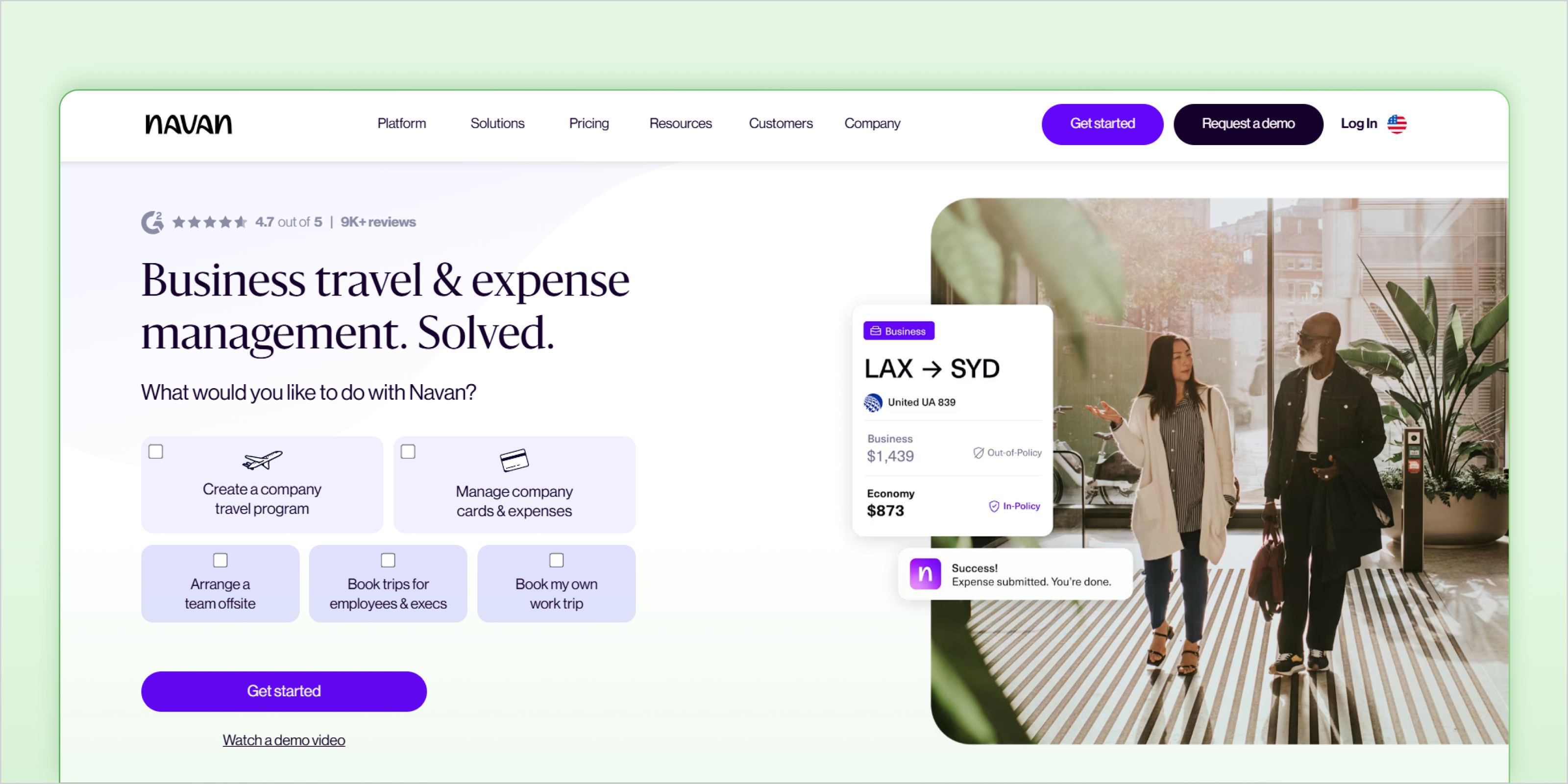
Navan is a travel and expense management platform that automates expense tracking and categorization for business travel. When employees book travel or submit travel-related expenses, the platform captures the transaction details and assigns accounting categories automatically. This helps finance teams keep travel spending organized without manually reviewing every transaction.
- Automated categorization of travel and expense transactions
- Integrated travel booking with expense tracking
- Receipt capture and automated expense documentation
- Accounting integrations that sync categorized expenses with finance systems
Best for
Navan works well for companies with frequent employee travel that want to automate travel expense tracking and categorization. Finance teams often use the platform to maintain structured travel spending records while reducing manual expense reporting work.
Use cases
Companies use Navan to categorize expenses related to flights, hotels, transportation, and business travel reimbursements. Finance teams also rely on the platform to keep travel receipts organized, automate travel expense reports, and sync categorized travel spending with accounting systems for accurate financial reporting.
10. SAP Concur
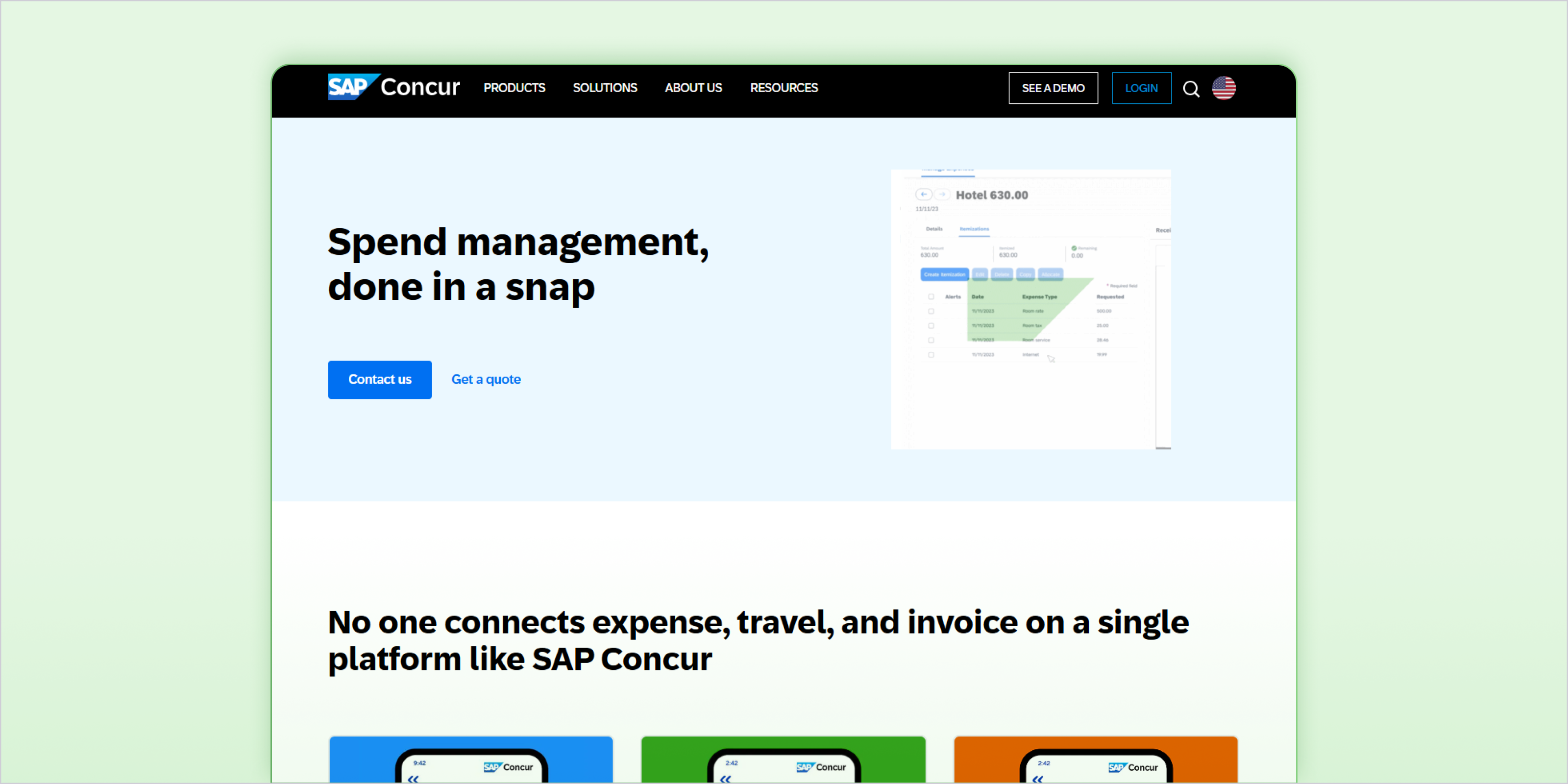
SAP Concur is an enterprise expense management platform that automates expense tracking, categorization, and policy enforcement across large organizations. The system captures transactions from corporate cards, travel bookings, and employee expense submissions, then categorizes them automatically based on predefined accounting rules and company policies.
- Automated expense categorization across corporate cards, travel bookings, and reimbursements
- Policy-driven expense classification and compliance controls
- Integrated travel and expense management system
- Accounting integrations that sync categorized transactions with financial systems
Best for
SAP Concur works well for large enterprises that need structured expense management with strong compliance controls. Organizations with complex approval processes, strict spending policies, and large volumes of employee expenses often use the platform to maintain consistent categorization and financial reporting.
Use cases
Large organizations use SAP Concur to categorize travel expenses, employee reimbursements, and corporate card spending across multiple departments. Finance teams also rely on the platform to enforce expense policies, maintain detailed audit trails, and synchronize categorized expense data with enterprise accounting systems.
What is the Difference Between Expense Tracking and Spend Management Software
Expense tracking tools and spend management platforms both help categorize business transactions, but they serve different purposes within a finance workflow. Expense tracking tools primarily focus on recording expenses and organizing them for accounting and reporting. They capture receipts, import bank transactions, and categorize them into accounting entries.
Spend management platforms go a step further by controlling how money is spent before the transaction even occurs. These systems include corporate cards, approval workflows, and spending policies that guide employee purchases while automatically categorizing transactions for bookkeeping and reporting.
How Does Automated Transaction Coding Improve Financial Operations
Automated transaction coding helps finance teams maintain consistent and accurate financial records without reviewing every transaction manually. When expense categorization happens automatically, transactions flow into the correct ledger accounts in real time. This reduces bookkeeping delays and allows finance teams to focus on financial analysis rather than repetitive data entry.
i) Automation Reduces Human Error
Manual bookkeeping often leads to inconsistent categorization, missed transactions, or incorrect ledger entries. Automation applies consistent rules across transactions, reducing these mistakes and improving financial accuracy.
- Consistent categorization rules applied across recurring transactions
- Fewer manual entries, which reduces the chance of accounting errors
- More accurate bank reconciliation during month-end closing
ii) Real-Time Categorization Improves Financial Visibility
When transactions are categorized automatically as they occur, finance teams gain a clearer view of spending patterns and operational costs. This allows businesses to monitor financial performance without waiting for manual bookkeeping updates.
- Faster monthly and quarterly financial closing
- Real-time financial reporting and dashboard visibility
- Clearer tracking of department-level expenses
iii) Automation Improves Fraud Detection
Automated financial systems can monitor transaction activity continuously and highlight unusual spending patterns. This helps finance teams detect issues early and maintain stronger financial controls.
- Detection of unusual spending patterns across accounts
- Alerts for duplicate or suspicious transactions
- Automated enforcement of spending policies and approval rules
How Can Inkle Help Startups Manage Automated Expense Categorization
Automation can categorize transactions quickly, but clean financial records require more than automated tagging. Startups still need accurate bookkeeping, consistent ledger structures, and compliance-ready financial data. This becomes even more important for companies operating across jurisdictions where accounting records must support tax filings, investor reporting, and regulatory compliance.
Inkle combines automated expense categorization with structured bookkeeping workflows so startups maintain reliable financial records from the beginning. Instead of managing disconnected tools and manual accounting processes, finance teams can rely on a system that organizes transactions, maintains accurate ledgers, and prepares financial data for reporting and compliance.
- Automated bookkeeping workflows that categorize transactions from multiple financial sources
- Compliance-ready financial records that support tax filings and investor reporting
- Structured expense categorization aligned with accounting standards
- Support for cross-border financial operations such as US parent and India subsidiary setups
If your team spends hours reviewing transactions and cleaning up books every month, automated bookkeeping can make a major difference. Inkle helps startups categorize expenses automatically while keeping financial records organized for reporting, compliance, and tax filings.
Book a demo with Inkle to see how automated bookkeeping can simplify your finance operations.
Frequently Asked Questions
What tools have automated expense categorization for startups
Tools such as Inkle, Ramp, Expensify, QuickBooks, Brex, and Zoho Expense automatically categorize financial transactions using AI, bank feeds, and transaction rules. These systems analyze merchant data and payment history to assign accounting categories without manual bookkeeping.
How does AI improve expense categorization accuracy over time
AI systems analyze historical transaction data, merchant information, and previous accounting decisions to predict the correct expense category. As finance teams review and confirm transactions, the system learns from those decisions and improves future categorization accuracy.
Are automated bank feeds secure for accounting software
Most accounting platforms connect to bank accounts using encrypted APIs and secure authentication protocols. These connections allow software to import transaction data safely while protecting financial information from unauthorized access.
Can automated expense tools handle multi-currency transactions
Many modern expense and accounting platforms support multicurrency transactions. They automatically convert transactions into the company’s base currency while maintaining records of the original payment currency for accurate reporting.
Do automated expense tools replace accountants
Automated expense tools reduce manual bookkeeping tasks, but accountants still play an important role. Finance professionals review categorized transactions, ensure accounting accuracy, and manage tax compliance and financial reporting.
How quickly can businesses implement automated expense categorization
Most platforms can start categorizing transactions within a few hours after connecting bank accounts and accounting systems. As the system processes more transactions and learns from bookkeeping decisions, categorization becomes more accurate.
In this article


.png)